A player for your own playlist
Your playlist, from any provider, on your phone and your TV
AromaOtt Player plays the M3U link or Xtream Codes login you bring, on Android phones and tablets, Android TV, Google TV and Fire TV. Try it free for 7 days. If a stream drops, it reconnects by itself.
Activate deviceNo username or password: just the MAC address and device key shown in the app.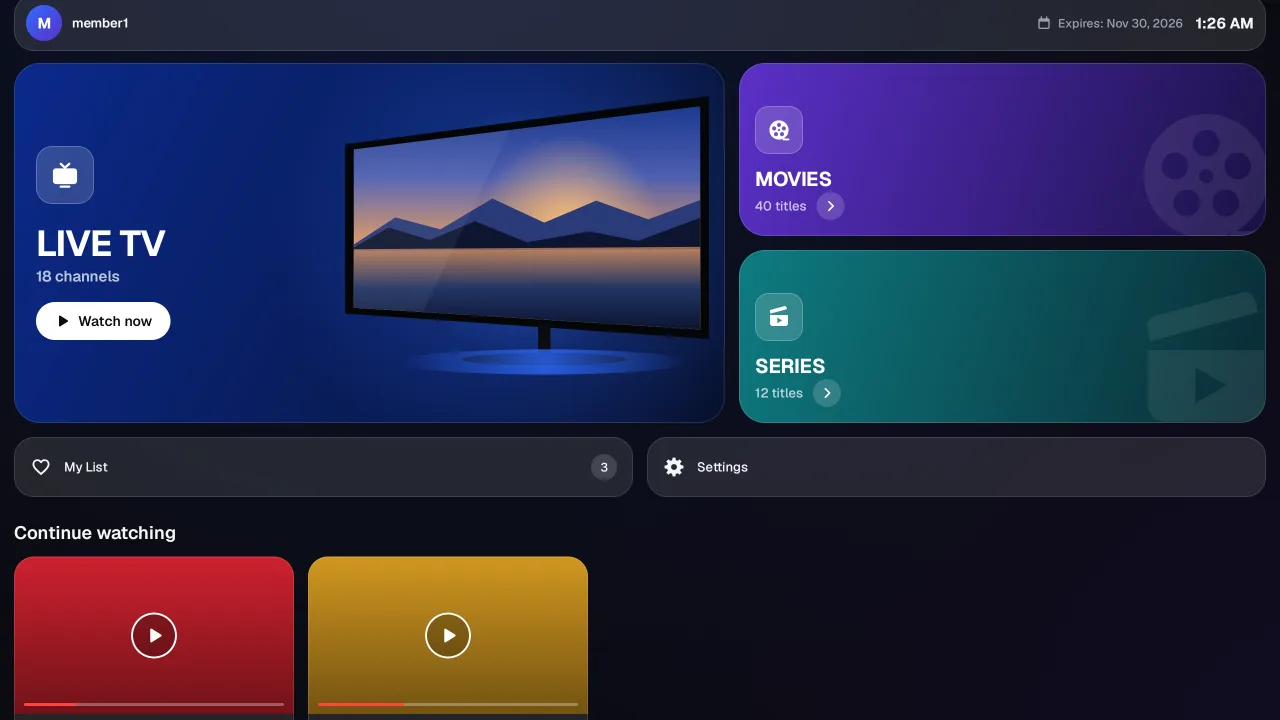
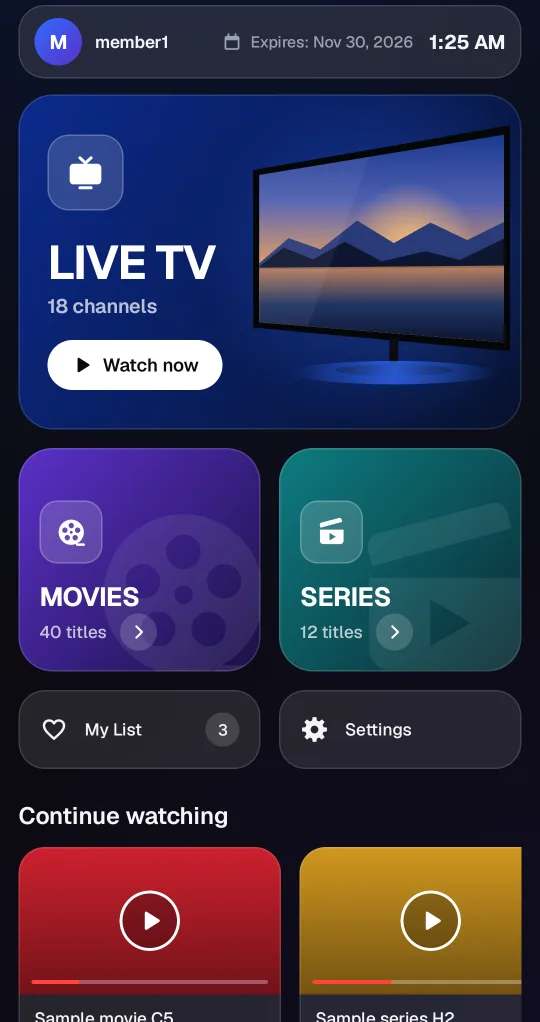
Screenshots of the Android app, taken with a test playlist.
Try it free for 7 days with your own playlist
Bring the M3U link or Xtream login from your provider: AromaOtt adds no channels, movies or series.
In the app, with the MAC address and device key
Install the app from aromaott.com. On first start it shows a MAC address (a device ID made by the app) and a device key, with the playlist form on the same screen. No username, e-mail or password.
Activate deviceHow the free time works
- 1
Install the app
Download AromaOtt Player for Android, Android TV or Fire TV from aromaott.com.
- 2
Open the app
It opens on “Activate device”: the MAC address and the device key of this device, with the playlist form on the same screen.
- 3
Add your playlist
Paste your M3U link or Xtream login on that screen: the player opens. You can also manage this device at aromaott.com/device with the MAC address and the device key.
Activate device - 4
Watch
The app loads your playlist by itself. The 7 days start when you first play something. Streams play on your device, not through AromaOtt's servers, and the player reconnects by itself if a stream drops.
- 5
After the 7 days
The player stops playing; this device and its playlists are kept. To keep using it you need a player membership: write to us, or enter a membership code you received.
What AromaOtt Player is, and what it is not
A player, not a provider
Try it free for 7 days with your own playlist, then keep it with a player membership. It sells no access to any channel or provider.
Activate your device
On first start the app shows a MAC address and a device key, with the playlist form on the same screen. No e-mail, username or password.
No channels of its own
The app contains no channels, films or series. It only plays the playlist you add.
What AromaOtt Player does, in facts
| Playlists it plays | M3U links and Xtream Codes logins (server, username, password) from any provider whose server is on the public internet. An Xtream login brings Live TV, Movies and Series. |
|---|---|
| Several playlists | Several playlists of your own (10 by default). Switch between them with the playlist button. |
| When a stream drops | The player reconnects by itself and keeps retrying. |
| What it cannot do | If the only server of a playlist is down, nothing on that playlist plays until it is back; you can switch to another of your playlists by hand. Starting a stream also needs the AromaOtt service to answer. |
| Access | Free for 7 days with your own playlist, once per device: the app opens on Activate device (MAC address and device key, no e-mail or password). After that it needs a player membership. There is no content included. |
| Devices | Android 7.1 or newer phones and tablets, Android TV, Google TV and Fire TV (one APK from aromaott.com). |
| Content | None of its own: no channels, movies or series. No programme guide (EPG) or catch-up yet. |
| Privacy | No advertising and no analytics services. Your playlists play straight from your provider to your device. |
Live TV, Movies and Series
Each section has its own screen, made for browsing your playlist.
Live TV
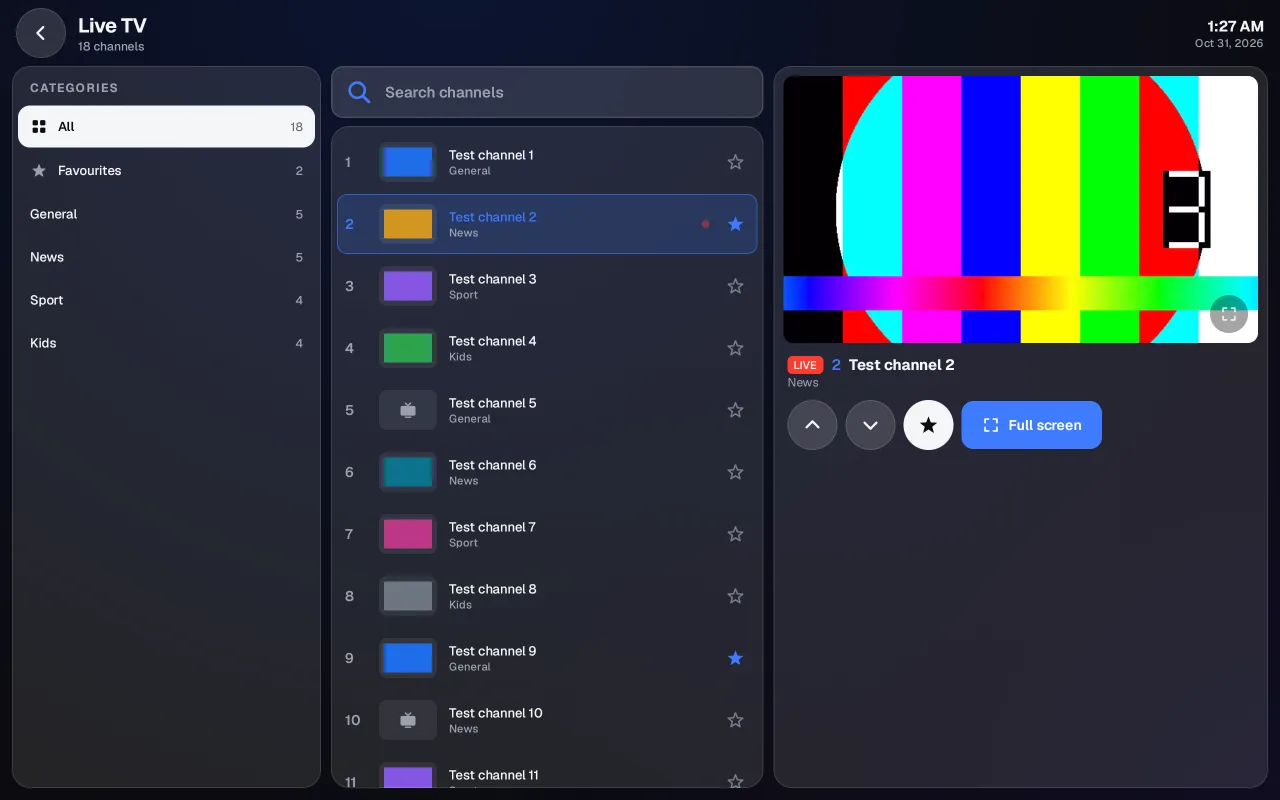
Categories, the channels of your playlist and a live preview side by side.
Movies
Posters by category, details at a tap, and films resume where you stopped.
Series
Seasons and episodes with watched marks and the next episode ready.
Features
Built for watching on every screen in the house.
Native video player
Hardware decoding through Android's own player: smoother playback on TV sticks, and 4K or surround sound when your device and the stream support it.
Your own playlist
Add an M3U link or an Xtream login: the player shows its Live TV, Movies and Series.
Made for the remote
Big, clear TV screens with simple arrow-key navigation. Back, play/pause and channel buttons do what you expect.
Pick up where you left off
Films and episodes resume where you stopped, and each series shows what you have already watched.
Favourites and search
Keep your favourites at hand and find anything in your playlist with a quick search.
9 languages
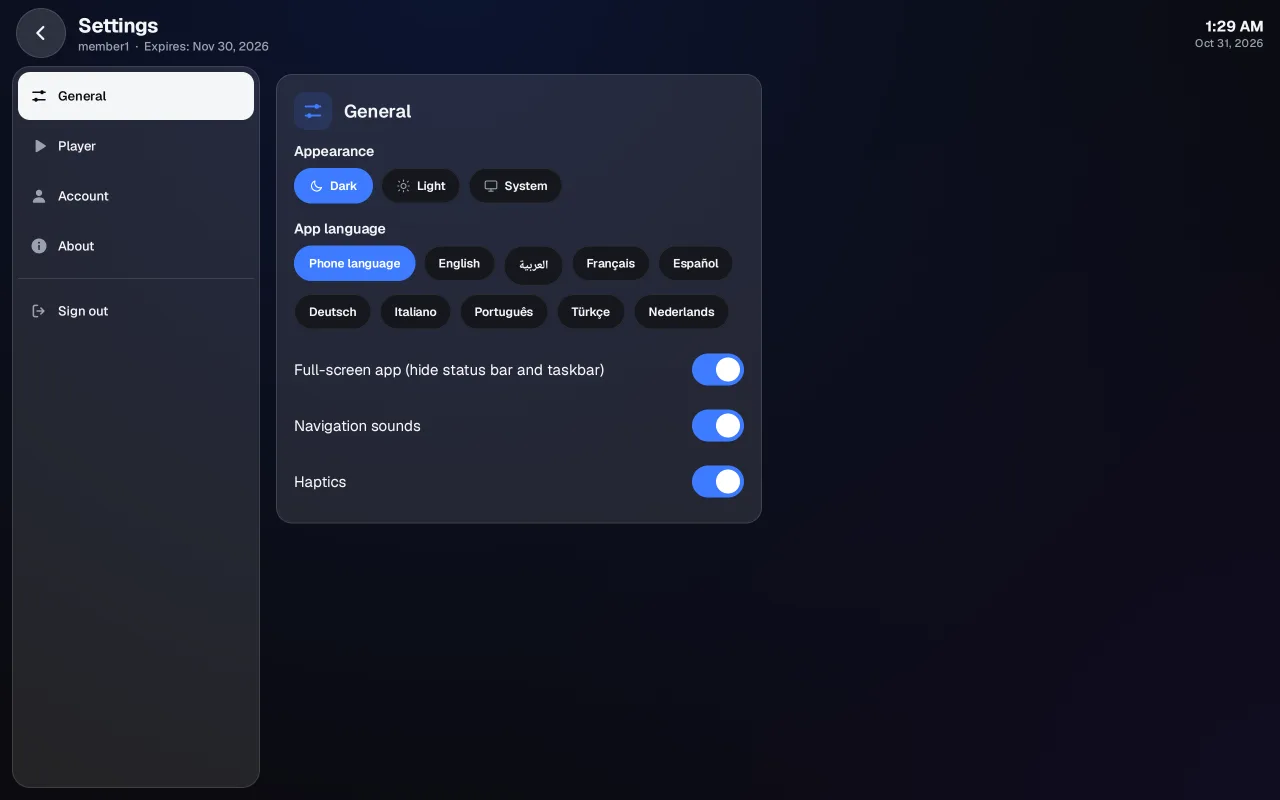
English, Arabic, French, Spanish, German, Italian, Portuguese, Turkish and Dutch, chosen automatically and easy to change.
The same player on every screen
Screenshots of the Android app, taken with a test playlist.
Supported devices
One Android app for phones, tablets and TVs.
Android phones and tablets
Android 7.1 or newer.
Android TV and Google TV
Installed with the free Downloader app.
Amazon Fire TV
Fire TV Stick 2nd generation or newer, installed with Downloader.
Download
The app is not in Google Play, the Amazon Appstore or any other app store. You install it from this site.
Android phone or tablet
Download the APK and open it to install. Android may ask you to allow your browser to install apps.
Fire TV and Android TV
Install the free Downloader app on your TV, open it and enter this code:
2135974
Step-by-step instructionsPlans
- 12 months$2
- Lifetime$20
The membership is for the player. AromaOtt Player has no channels, films or series of its own: you add your own playlist.
Questions and answers
Which providers does AromaOtt Player work with?
With M3U links and Xtream Codes logins from any provider you are entitled to use, as long as its server is on the public internet (private and local network addresses are refused). Add them on the Activate device screen of the app or at aromaott.com/device. Our server never connects to your provider: your device loads the playlist itself.
What happens when a server or a stream stops?
The player reconnects on its own. In the Android app, a live channel that drops is reopened up to five times within about half a minute, then goes on standby and keeps retrying by itself; a movie restarts at the same spot up to four times. It cannot play from a server that is down: switch to another playlist with the playlist button, or wait until the provider is back.
Is AromaOtt Player free?
You can use it free for 7 days of playing from your first play, once per device. After that it needs a player membership: write to us, the contact details are on this page.
Do I need an e-mail address or a password?
No. On first start the app shows a MAC address and a device key for your device, and you add your M3U or Xtream playlist on the same screen. You can also manage this device at aromaott.com/device. One free time per device; the 7 days start when you first play something.
Does the app come with channels?
No. The app contains no channels, films or series of its own. It plays only the M3U or Xtream playlist you add yourself.
Can I add my own playlist?
Yes, that is how it works: add an M3U link or an Xtream login (server, username, password) from a provider you have the right to use. You can replace or remove it at any time.
Why is the app not in Google Play or the Amazon Appstore?
For now the player is offered only from this site. It updates itself from aromaott.com and every update is checked before it is installed.
Contact
- Phone: +32460218812
- E-mail: support@aromaott.com
To get a plan, contact us with your device's MAC address. We activate the device ourselves; there is no online payment on this site.